Before you go - more games!
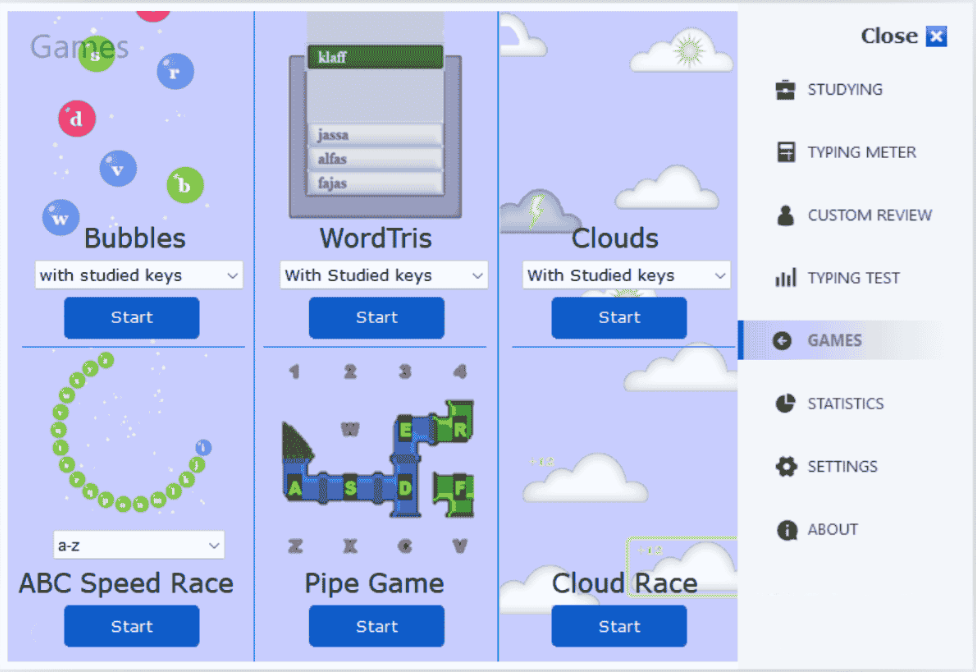
Install TypingMagic from Microsoft Store to unlock more games, guided practice, and typing tests.
Install from Microsoft StoreKeyboard Tilt Maze is a free online puzzle game where you tilt a neon labyrinth using your whole keyboard — not just the arrow keys. Every finger plays a role. The ball rolls with gravity, and the maze responds to a rich set of key combinations across the full keyboard. Press the right keys at the right moment to steer the ball through corridors, around traps, and toward the glowing exit. It runs instantly in your browser — no download, no signup.
Every level introduces tighter corridors, more traps, and faster-rolling terrain. Because all fingers are in play, the game trains your whole hand — not just your index fingers. Precision and timing matter more than raw speed: one poorly-timed keypress can send the ball back to the start. The result is a full-keyboard workout disguised as a puzzle game.
Play NowThe maze sits on a platform that responds to your whole keyboard — keys across all rows tilt the board in different directions and angles. The ball rolls freely under simulated gravity. Navigate it from the green start circle to the glowing blue energy crystal at the center without falling into the red hazard rings scattered throughout the maze. Each completed level unlocks a new, more complex labyrinth demanding even faster finger coordination.
Unlike typing games that drill letter recognition, Keyboard Tilt Maze trains all fingers simultaneously across the full keyboard layout. You learn exactly how much pressure to apply and when to stop — the same skill that makes typists accurate everywhere, from home row to number row to punctuation. Because survival depends on your weakest finger keeping up, the game naturally targets and strengthens your least-used fingers. A few sessions noticeably improves deliberate key control across the whole board.
Play NowYes — Keyboard Tilt Maze is completely free to play in your browser above. No account required.
Full-keyboard coordination, timing of key presses and releases across all fingers, and fine motor control. Because the whole keyboard is in play — not just a cluster — it trains every finger including the weaker ring and little fingers that most typing drills neglect.
Yes. The puzzle format is age-appropriate and engaging for children. Teachers use it as a cool-down or warm-up activity during computer lab sessions. The game contains no ads or inappropriate content.
Keyboard Tilt Maze requires a physical keyboard, so it works best on desktop and laptop computers. Touchscreen devices are not supported.
TypingMaster offers Strike, KeyMagnet, Bubbles, and more at the typing games hub. The full TypingMaster app includes additional gamified drills, progress tracking, and adaptive lessons.
Play Now