
Published on:
English & Hindi • SSC CGL / CHSL / DEO • Railway / RRB • Configurable Pass Limits
Get CHSL test texts and exams with pass limits for SSC CGL & CHSL (LDC/JSA/PA/SA typing), SSC CHSL DEO (key depressions per hour), and Railway/RRB typing skill tests.
Practice in English and Hindi, generate timed tests, and track WPM, accuracy, and exam-specific scoring in TypingMaster 12 Premium.
Use TypingMaster 12 Premium to practice and configure government exam typing tests for India.
Set pass limits for speed and accuracy, or set key-depression (KDPH/KDPH) targets as KPM = KDPH ÷ 60 for data entry posts.
Use the same workflow to prepare for SSC CHSL, SSC CGL, SSC DEO, and Railway/RRB typing skill tests.
Practice realistic typing exams and configure pass limits for speed, accuracy, and exam-specific scoring.
Supports English typing tests and Hindi (Unicode) typing using InScript layout and fonts like Mangal/Nirmala UI.
Below are ready-to-use exam profiles and how to configure them in TypingMaster 12.
Use this guide to create skill assessment in TypingMaster 12 and apply official-style pass limits for popular exams (SSC CHSL typing test, SSC DEO key depressions/hour, Railway/RRB typing skill test). You can practice in English or Hindi and copy your own passages for mock tests.
For English writing tests, use your normal QWERTY layout. For Hindi writing tests, we support testing with Windows Hindi InScript layout, where keystrokes produce Unicode Hindi characters with fonts like Mangal or Nirmala UI.
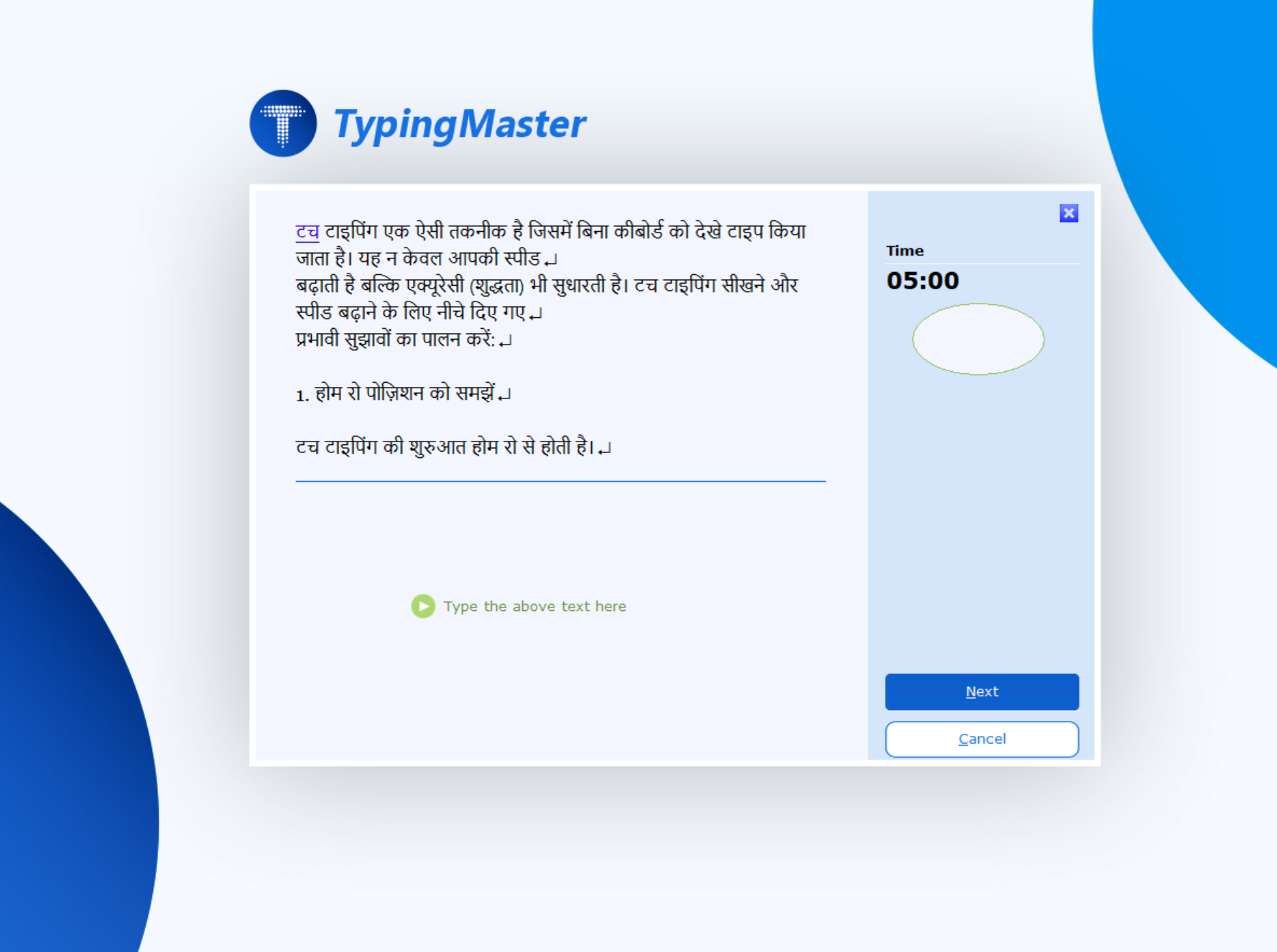
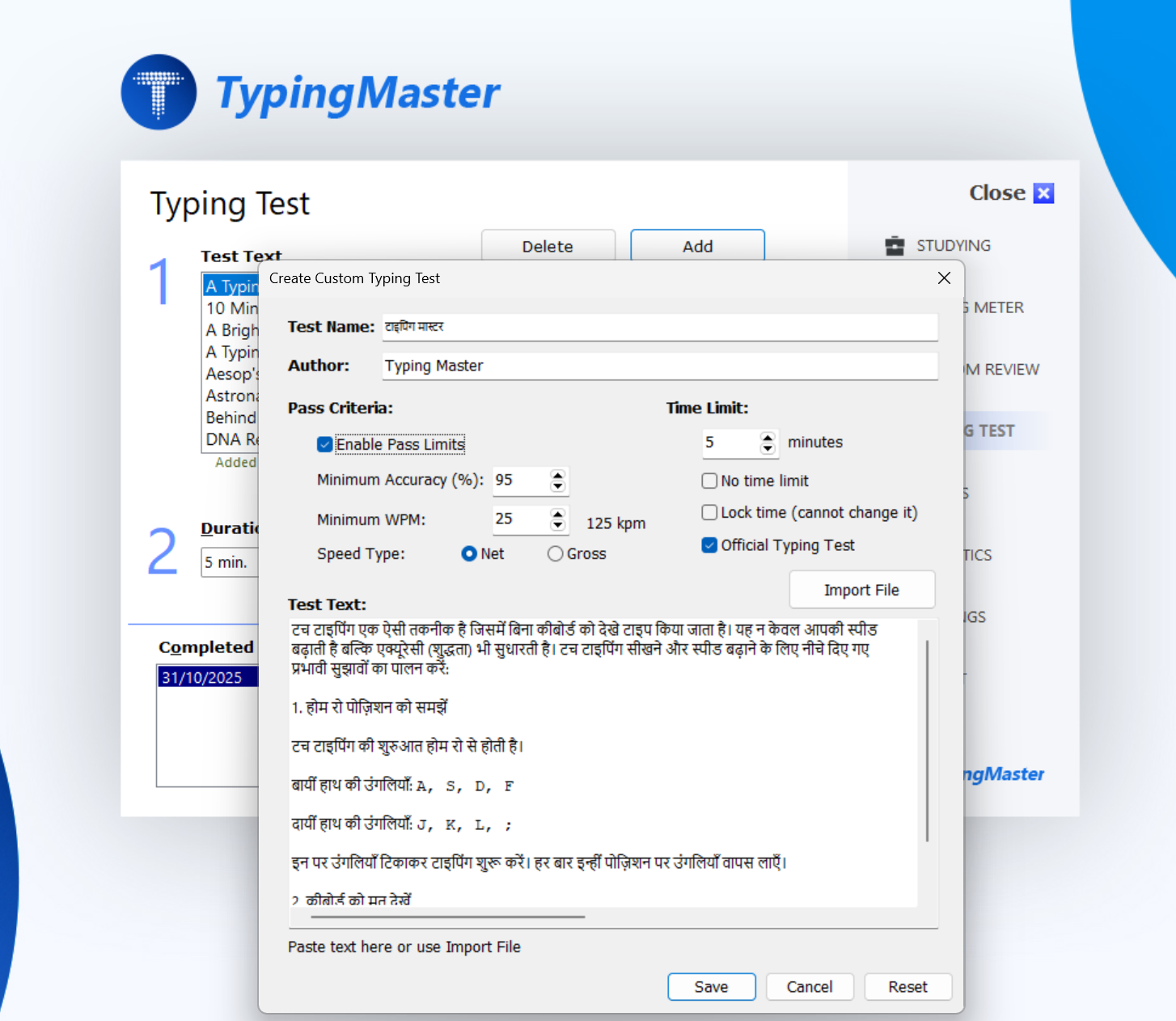
Use these common exam profiles to configure your practice tests. Recruitment rules can vary by notification year and post, so treat these as a practical starting point for setting test duration and pass limits.
| Exam / Post | Language | Duration | Pass limit (typical) | How to configure in TypingMaster 12 |
|---|---|---|---|---|
| SSC CHSL Typing Test (LDC/JSA, PA/SA) | English | 10 min | 35 WPM (≈10500 key depressions/hour) | Typing Test → Add → set Time = 10:00. Set Gross WPM pass limit = 35. (Optional) set Accuracy pass limit (e.g., 95%). |
| SSC CHSL Typing Test (LDC/JSA, PA/SA) | Hindi (Unicode) | 10 min | 30 WPM (≈9000 key depressions/hour) | Enable Hindi InScript in Windows. Typing Test → Add → Time = 10:00. Set Gross WPM pass limit = 30. (Optional) set Accuracy pass limit. |
| SSC CHSL – DEO Skill Test (Data Entry) | English | 15 min | 8000 key depressions/hour (≈2000 in 15 min) | Create a 15-minute test. If you use WPM limits, target a passage length that yields ~2000 keystrokes in 15 minutes at pass speed. (Best: track keystrokes/characters and set a minimum output goal.) |
| SSC CHSL – DEO Grade ‘A’ (C&AG) | English | 15 min | 15000 key depressions/hour (≈3750 in 15 min) | Same as above: 15-minute test, higher minimum keystroke target. Consider creating a dedicated "DEO” test template with a minimum keystrokes requirement. |
| Railway / RRB Typing Skill Test | English | 10 min | 30 WPM (often with error allowance rules) | Typing Test → Add → Time = 10:00. Set Gross WPM = 30. If your institute uses "net speed” rules, also set a Net WPM pass limit. |
| Railway / RRB Typing Skill Test | Hindi (Remington) | 10 min | 25 WPM (often with error allowance rules) | Remington required! Typing Test → Add → Time = 10:00. Set Gross WPM = 25. (Optional) set Accuracy pass limit. |
Custom Test Configurations covered by this table: SSC CHSL tests, SSC DEO key depressions per hour, RRB typing test, Railway typing test, English test, Hindi test, government exam typing practice.
Different recruitment bodies use different Hindi typing environments. Some run Unicode Hindi (often with the InScript layout), while others still use legacy setups where Remington / Kruti Dev-style typing is expected. Always verify your exact post and notification.
| Recruitment / Exam family | Common Hindi typing setup | Exam practice plan in TypingMaster |
|---|---|---|
| SSC CGL + SSC CHSL posts with typing | Unicode Hindi is common; many SSC exams allow InScript and also accept Remington depending on the test environment and instructions. | Practice Hindi in Unicode with Windows Hindi InScript. If you’re unsure, keep a second profile for Remington (Kruti Dev-style) practice as backup. |
| DSSSB (Delhi) | Often Unicode Hindi; notifications frequently mention InScript as an accepted option for Hindi typing where applicable. | Use Hindi Unicode passages + InScript layout; keep your time, gross WPM and accuracy limits aligned to the post. |
| UPSSSC / State Boards (UP) | Increasingly Unicode Hindi in newer recruitments; older cycles may reference Remington more strongly. | Create two templates: (1) Unicode InScript, (2) Remington-style. Use whichever matches your notification. |
| RSMSSB (Rajasthan) / MPESB (Madhya Pradesh) and similar | Many modern tests are Unicode friendly and may accept InScript for Hindi typing where required. | Practice Unicode Hindi with InScript, and focus on accuracy under time pressure (common failure point). |
| Railway / RRB (NTPC / Typist posts) | Many RRB typing tests have historically expected Remington. Unicode/InScript may not be accepted unless explicitly stated. | If your target is Railway/RRB, add a dedicated Remington practice profile. Use the exact time limit (often 10 minutes) + strict accuracy. |
Read More About: Hindi InScript keyboard, Unicode Hindi typing test, Remington keyboard layout, Kruti Dev Hindi typing, SSC CHSL Hindi typing test, DSSSB Hindi typing test, UPSSSC Hindi typing, RSMSSB clerk typing, MPESB Hindi typing, Railway RRB Hindi typing test.
Note: "Allowed layout” can change by year, post, and test vendor. If your notification says "Hindi (Unicode)” or mentions Mangal / Nirmala UI, InScript is a strong sign. NOTE: If it mentions Kruti Dev or Remington, TypingMaster 12 has only a limited support for Remington.
TypingMaster 12 allows users to both import and export custom typing tests, making it easy to create, save, share, and reuse personalized typing practice exercises for different skill levels and training needs.
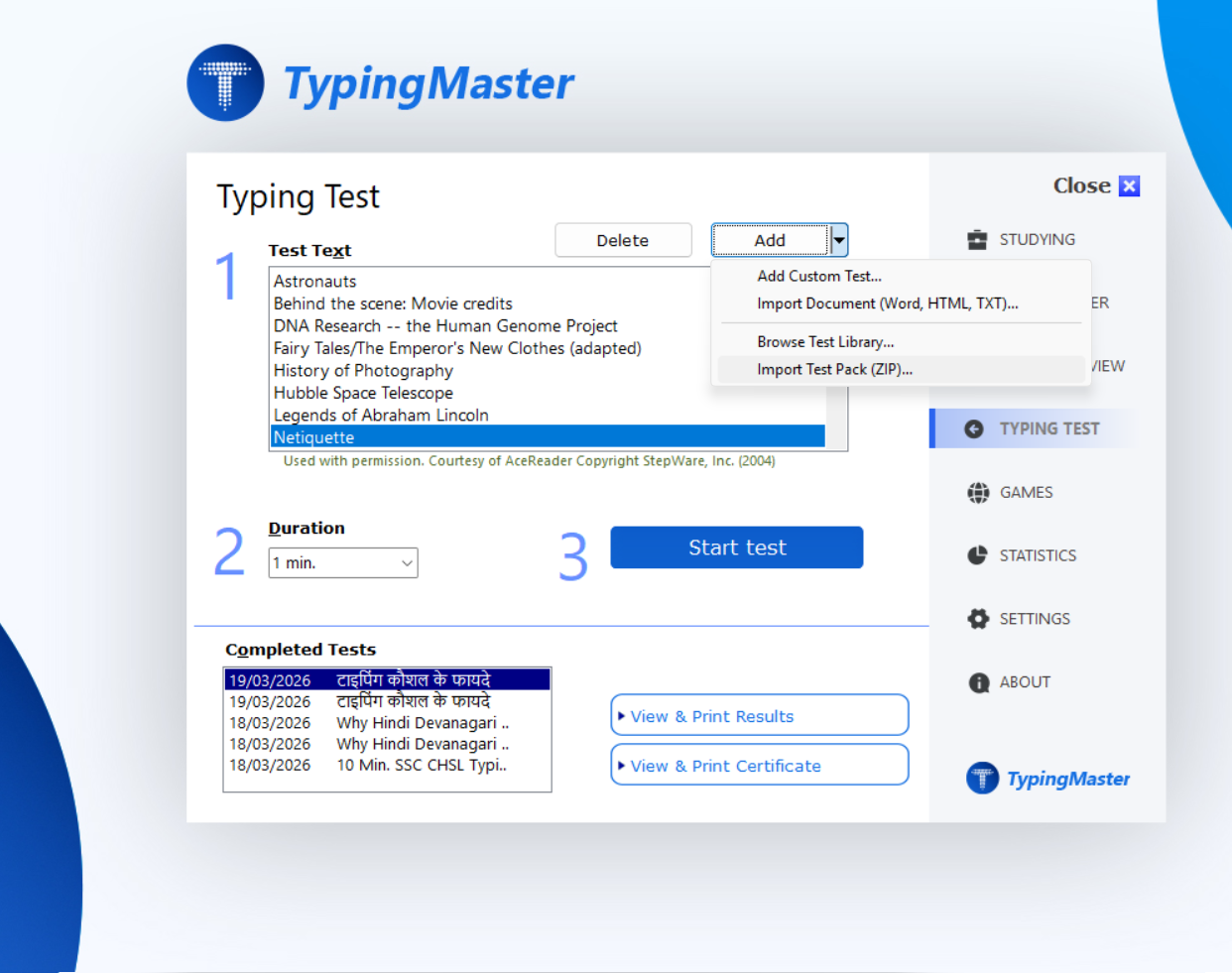
Practice state recruitment tests with our typing assessment. Pass configured limits for net and gross speed with high accuracy scores required for professional positions.
Not all posts are measured in "words per minute”.
Many typing tests use WPM (e.g., SSC CHSL LDC/JSA), while data-entry posts often use
KDPH (Key Depressions per Hour) (e.g., SSC CHSL DEO).
Quick conversion: KPM = KDPH ÷ 60, and typical typing software uses WPM ≈ KPM ÷ 5.
In practice: 8000 KDPH ≈ 133 KPM ≈ 26.7 WPM, and 15000 KDPH ≈ 250 KPM ≈ 50 WPM.
Most Indian government typing tests are timed passage typing (often 10 minutes),
while DEO-style skill tests are commonly 15 minutes and measured by key depressions.
Practice with the same constraints: fixed time, no pausing, and a continuous paragraph.
In TypingMaster 12 you can set: Test duration, target speed, and accuracy limit
to simulate the exam conditions.
Candidates often fail not because of speed, but because of errors under time pressure.
Train for clean output: avoid overusing backspace, keep a steady rhythm, and reduce repeated-letter mistakes.
Tip: run two practice modes—
(1) Accuracy-first at a comfortable pace, then
(2) Exam-speed with a strict accuracy limit (e.g., 95%).
This is the fastest way to improve "net” performance.
Configure TypingMaster 12 to match real Indian government typing exam requirements:
Track the exact metrics required in government typing tests:
Arrange custom practice tests that mirror SSC and Railway exam conditions: