Downloading Typing Master 12 for Windows ⭳
1
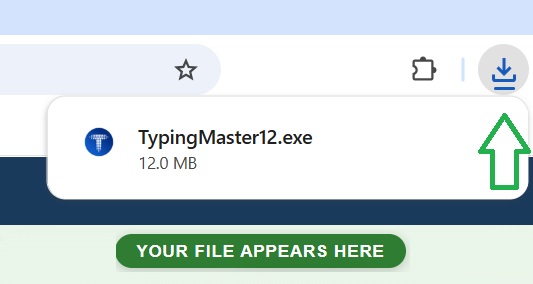
Watch the top-right corner →
Your file is downloading now.
TypingMaster12Setup.exe will appear there in seconds.
2
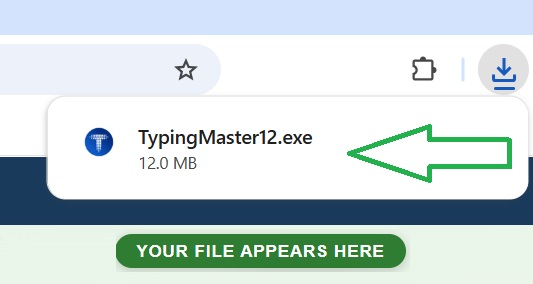
Click TypingMaster12Setup.exe
Click the file in the top-right panel to start installing.
3
Click ‘Yes’ when Windows asks to allow changes
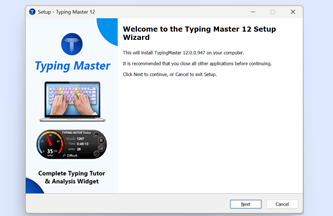
1. Choose your language and click Next.
2. Accept the license by selecting “I Accept” and click Next.
3. Click Next on each screen to continue.
4. Wait a minute and the software will start automatically.
CLICK THE FILE ABOVE
Your browser shows the file in the top-right corner ⭳
Missed it? Click the green button below.
Missed it? Click the green button below.
Still can’t find your downloaded file?
Press Ctrl + J on your keyboard to view Downloads ⭳
Hold the Ctrl key down, then tap J. Chrome will open your Downloads list.
Click TypingMaster12Setup.exe there to install.
Hold the Ctrl key down, then tap J. Chrome will open your Downloads list.
Click TypingMaster12Setup.exe there to install.